Description
Yealink EXP43 LCD Expansion Module Colour BLF Console for T43U T46U T48U Dubai
Yealink EXP43 LCD Expansion Module for Busy Reception Desks
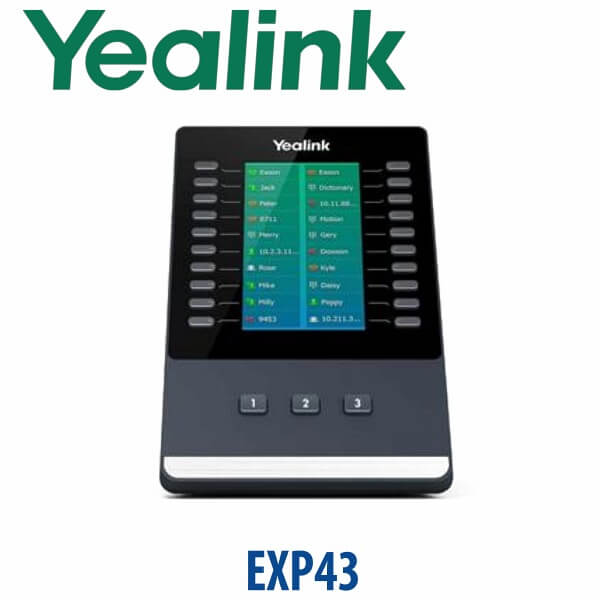
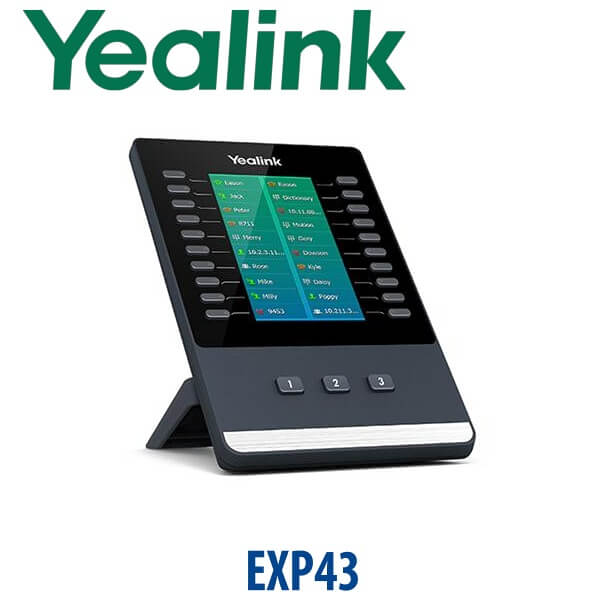
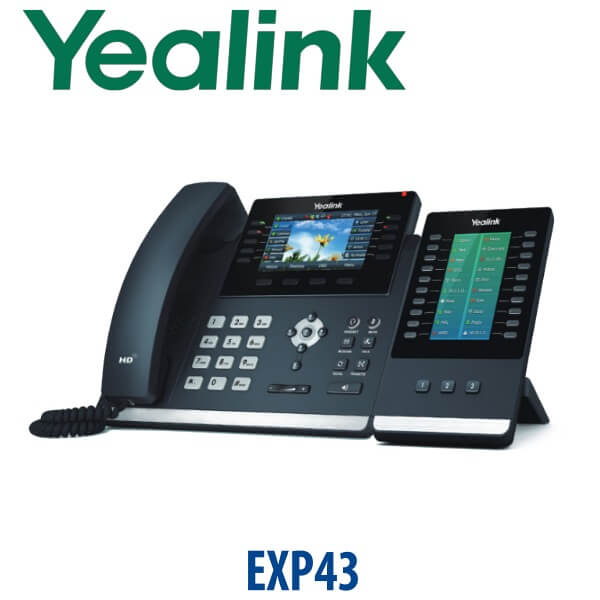
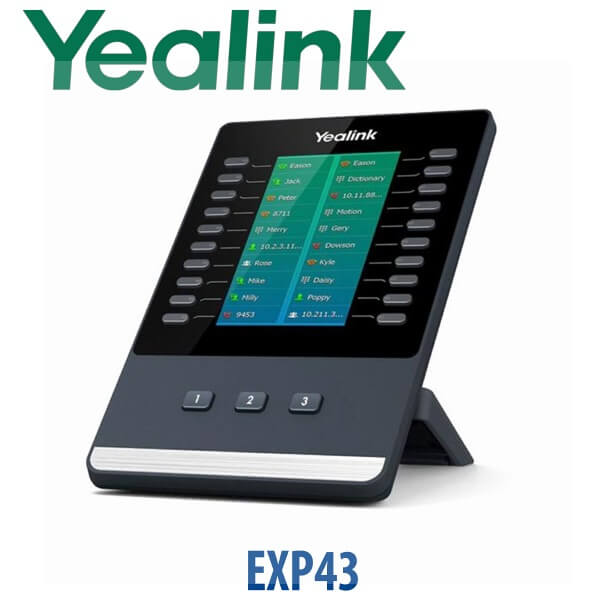
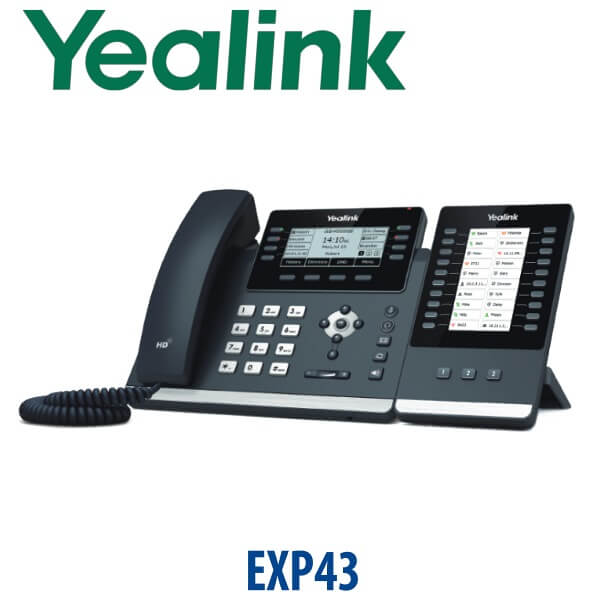
The Yealink EXP43 LCD Expansion Module turns a compatible Yealink T43U, T46U, T48U, T44U or T44W phone into a proper operator console. Instead of hunting through directories or writing extensions on paper labels, your receptionist gets a 4.3-inch colour screen, 20 physical DSS keys per page and three page views — up to 60 programmable functions on one module. For Dubai offices still running the T4U generation, the EXP43 is the clean way to add BLF monitoring, speed dial, call park, pickup, transfer and one-touch routing without replacing the full desk setup.
Vector Digital Systems supplies the Yealink EXP43 in Dubai for reception, admin, clinic, hotel, call-centre and branch-office desks. We also stage the keys before dispatch, so the module arrives mapped to your real extensions, departments and call flows — not as an empty accessory the user has to configure later.
Compatibility First — EXP43 Is for T4U, Not T7
The EXP43 is a legacy-generation Yealink expansion module for the T43U, T46U, T48U, T44U and T44W family. It is not the expansion module for the newer Yealink T7 series. If you are buying a new T73U, T74U, T74W or T77U, ask David for the EXP55 instead. This matters because the connector, firmware generation and console capacity are different — ordering the wrong expansion module creates a delivery-day problem that cannot be fixed by programming.
| Your Yealink Phone | Correct Expansion Module | What to Order |
|---|---|---|
| T43U, T46U, T48U, T44U, T44W | EXP43 LCD Expansion Module | This page — ideal for existing T4U reception and operator desks |
| T73U, T73W, T74U, T74W, T77U | EXP55 colour expansion module | Ask David for the T7 console setup — do not order EXP43 |
| T46G/T48G/T41S/T42S era | EXP40 / older accessories depending on model | Verify before ordering — many of these phones are end-of-life |
For existing compatible phones, the EXP43 remains a practical accessory. For fresh deployments, Vector Digital Systems will usually quote the current T7 phone plus EXP55 console path instead.
Power Truth — When the EXP43 Needs an External PSU
Do not assume the phone will power every expansion setup by itself. Yealink specifies that an external 5V/2A Yealink power adapter is required when the EXP43 is used on a T43U, and when more than one EXP43 module is used on a T46U or T48U. The power adapter is purchased separately. Vector Digital Systems checks your phone model and module quantity before quoting, then adds the required PSU where needed so the console powers on correctly at the desk.
What the EXP43 Adds to a Yealink Desk Phone
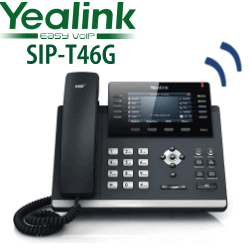
One EXP43 adds 20 physical keys on each page, across three screen pages, for up to 60 programmable features. The colour LCD shows names and icons, so your receptionist can see exactly which extension, department or function is assigned to each key. Up to three EXP43 modules can be attached to supported phones, giving as many as 180 additional programmable keys for high-volume front desks.
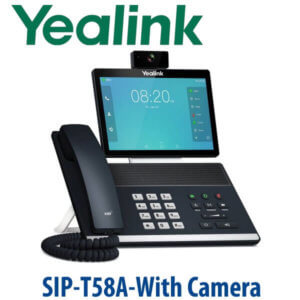
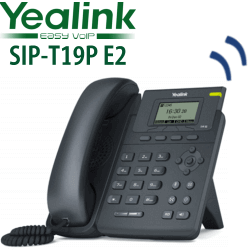
Common key maps include BLF for staff extensions, one-touch speed dial for managers, call park slots, pickup groups, transfer destinations, call forward toggles, conference keys, voicemail access and queue shortcuts. For a Yealink T46U desk or Yealink T43U reception phone, this is the accessory that turns the phone from a handset into a visible call-control panel.
EXP43 vs Other Yealink Expansion Modules
| Feature | EXP40 | EXP43 ★ | EXP55 |
|---|---|---|---|
| Best matched phones | Older T46/T48 generation | T43U, T46U, T48U, T44U, T44W | T7/T8 series |
| Display | Older console display | 4.3″ 272×480 colour LCD | 5.5″ colour LCD |
| Keys per module | Legacy layout | 60 programmable features | 78 programmable features |
| Maximum modules | Model-dependent | Up to 3 modules | Up to 3 modules |
| Power note | Verify per phone | 5V/2A PSU needed for T43U or multi-module setups | External PSU needed for 2–3 module setups |
| Use case | Legacy desk retention | Existing T4U reception and operator desks | New T7 reception and supervisor desks |
| Choose if… | You are maintaining an older compatible phone | You already have T43U/T46U/T48U/T44U/T44W and need a colour BLF console | You are buying current T7 phones or replacing an old fleet |
Where the EXP43 Works in Dubai
Hotel and serviced-apartment reception. A front desk in Deira, Bur Dubai or Business Bay may need one-touch access to rooms, housekeeping, reservations, security and duty managers. A Yealink phone with EXP43 gives the receptionist a visible BLF and speed-dial wall instead of relying on printed extension sheets.
Clinics and medical centres. Dubai clinics often route calls between appointment desks, insurance approval, nurses, doctors and pharmacy counters. EXP43 keys can be mapped to departments and pickup groups, making it easier for the front desk to transfer calls during peak appointment hours.
Branch offices and admin teams. For SMEs in Al Quoz, JLT, DIP and Sharjah industrial areas that already own compatible Yealink T4U phones, the EXP43 extends the life of the reception desk. It is especially useful where the main office handles calls for several branches or departments.
Contact-centre supervisors. A supervisor can monitor agent status, park calls, pick up ringing extensions and transfer callers with one key press. For larger or new deployments, ask David whether a T7 phone with EXP55 is the better long-term path; for existing T43U/T46U/T48U estates, the EXP43 remains the right matching module.
Full Technical Specifications
| Specification | Yealink EXP43 LCD Expansion Module |
|---|---|
| Product Type | Colour-screen expansion module for compatible Yealink SIP phones |
| Compatible Phones | Yealink T43U, T46U, T48U, T44U and T44W |
| Not Compatible With | T7-series phones such as T73U, T74U, T74W and T77U — use EXP55 for T7 |
| Display | 4.3 inch 272×480 colour LCD with backlight |
| Colour Depth | 16-bit colour |
| Page Views | 3 page views |
| Physical Keys | 20 physical DSS keys per page, each with dual-colour LED |
| Total Programmable Functions | Up to 60 per module across three pages |
| Page Control Keys | 3 independent illuminated keys for fast page switching |
| Maximum Modules | Up to 3× EXP43 on compatible phones |
| Maximum Additional Keys | 180 additional programmable features with three modules |
| Programmable Functions | BLF, BLF list, speed dial, call park, pickup, transfer, forward, conference, group listening, LDAP, XML browser and more |
| Connection to Phone | USB connection between phone and module |
| USB Functions | USB headset, Wi-Fi dongle on supported phones, and USB call recording via flash drive where the phone firmware supports it |
| Power Requirement | External Yealink 5V/2A power adapter required for T43U use and for multi-module T46U/T48U setups; PSU sold separately |
| Maximum Power Consumption | 1.5W via PSU |
| Stand | 2 adjustable angles |
| Dimensions | 196.5mm × 124.0mm × 137.5mm × 42.6mm |
| Operating Temperature | 0°C to 40°C |
| Operating Humidity | 10% to 95% |
| Package Contents | EXP43 module, stand, connecting sheet, USB cable, screwdriver, screws and quick start guide |
Compatible Phones and Accessories
| Item | Compatibility / Purpose | Ordering Note |
|---|---|---|
| Yealink T46U | Popular compatible 16-line desk phone for reception and admin desks | View T46U page if you are maintaining an existing fleet |
| Yealink T43U | Compatible desk phone; external PSU required when EXP43 is used | View T43U page before adding module quantity |
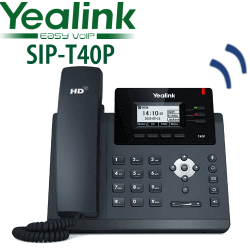
| Yealink T44U / T44W | Compatible T4U desk phones for office BLF and speed-dial expansion | View T44U page if your office uses this model |
| Yealink 5V/2A PSU | Required for T43U with EXP43 and for multi-module T46U/T48U setups | Ask David to include the correct UAE power supply in the quote |
| EXP55 | Correct expansion module for current T7-series phones | Do not mix EXP43 with T7 phones; ask for EXP55 when buying T73U/T74U/T77U |
Staging Before Dispatch — What Vector Digital Systems Configures
The value of an expansion module is in the key map. Vector Digital Systems stages the EXP43 before dispatch: BLF keys named and assigned, speed dials programmed, call park and pickup keys mapped, transfer destinations labelled, page layout organised by department, and a live test completed with the connected phone. For reception desks, we can group keys by management, sales, accounts, service, warehouse, housekeeping or branch locations so the user sees a clean, readable layout from day one.
Tell David which phone model you have, how many EXP43 modules you want, and whether the desk uses PoE or a power adapter. We will confirm PSU requirements, quote in AED with VAT and delivery, and stage the module before delivery.
Export from Dubai
Vector Digital Systems exports Yealink accessories from Dubai to telecom operators, system integrators, PABX installers, hotel groups and corporate IT procurement teams. The EXP43 is commonly requested by buyers maintaining T4U phone fleets in Oman, Saudi Arabia, Kuwait, Bahrain, Qatar, Jordan, Egypt, Kenya, Tanzania and Pakistan. Export orders are quoted FOB Dubai with commercial invoice, packing list and certificate of origin on request. For multi-site projects, send David the phone model list and quantity per site so the correct module and PSU combination is packed together.
Get a same-day quote in AED — Yealink EXP43 in Dubai
Tell David your phone model, number of modules, extension list and PSU requirement. We quote with VAT breakdown, delivery charges and staging included.
Related Yealink Pages
- Yealink IP Phones Dubai — live Yealink category page
- Yealink EXP43 LCD Expansion Module Dubai — current product page refresh
- Yealink T46U SIP Phone Dubai — compatible T4U-generation phone
- Yealink T43U SIP Phone Dubai — compatible desk phone
- Yealink T44U Dubai — compatible T4U phone family page
- Yealink EXP55 — correct expansion module for current T7-series phones; link after live page is confirmed
Frequently Asked Questions — Yealink EXP43
Which Yealink phones work with the EXP43 expansion module?
The Yealink EXP43 works with Yealink T43U, T46U, T48U, T44U and T44W IP phones. It is designed for the T4U-generation desk phone family and is normally used on reception, admin and operator desks that need BLF, speed dial and call-handling keys.
Does the Yealink EXP43 work with T73U, T74U or T77U phones?
No. The EXP43 is not the expansion module for the Yealink T7 series. If you are buying a T73U, T74U, T74W or T77U, ask David for the EXP55 colour expansion module instead. Ordering EXP43 for a T7 phone is the wrong accessory match.
How many keys does one Yealink EXP43 add?
One EXP43 gives 20 physical DSS keys per page, across three page views, for up to 60 programmable features. The keys can be programmed for BLF, speed dial, call forward, transfer, call park, pickup, conference and other supported phone functions.
How many EXP43 modules can I connect to one phone?
A compatible Yealink T43U, T46U or T48U phone can support up to three EXP43 modules. Three modules add up to 180 programmable features, which is useful for reception desks and supervisors monitoring many extensions.
Does the EXP43 need a separate power adapter?
Sometimes, yes. Yealink specifies that an external 5V/2A power adapter is required when using EXP43 on a T43U, and when using more than one EXP43 on a T46U or T48U. The PSU is purchased separately, so ask David to include the correct UAE power supply where required.
Can Vector Digital Systems program the EXP43 before delivery?
Yes. Vector Digital Systems stages the EXP43 before dispatch, including BLF names, speed dials, call park keys, pickup groups, transfer destinations and page layout. Send your extension list and preferred grouping, and the module can arrive ready for the receptionist to use.
EXP43 vs EXP55 — which one should I buy?
Choose EXP43 if you already have compatible T4U-generation phones such as T43U, T46U, T48U, T44U or T44W. Choose EXP55 if you are buying current T7-series phones such as T73U, T74U, T74W or T77U. The safest method is to send David your phone model before ordering.
What is the best Yealink setup for a busy reception desk in Dubai?
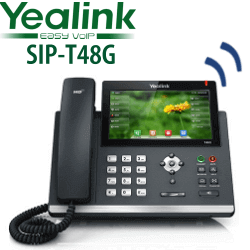
For an existing T46U or T48U reception desk, one or two EXP43 modules are the practical choice because they add labelled BLF and speed-dial keys without changing the phone. For a new deployment, David may recommend a current T7 phone with EXP55 modules for a longer lifecycle and higher console capacity.
Who is the Yealink authorised supplier in Dubai?
Vector Digital Systems LLC has supplied and integrated Yealink solutions in Dubai since 2009. David handles Yealink pre-sales, compatibility checks, project pricing, staging and local warranty coordination, so you get the correct module, phone match and PSU before dispatch.
Does Vector Digital Systems export Yealink EXP43 modules from Dubai?
Yes. Vector Digital Systems exports Yealink phones and accessories from Dubai to system integrators, PABX installers and enterprise buyers in Oman, Saudi Arabia, Kuwait, Bahrain, Qatar, Jordan, Egypt, Kenya, Tanzania and Pakistan. Shipments are quoted FOB Dubai with commercial invoice, packing list and certificate of origin on request.